Personalize these gifts
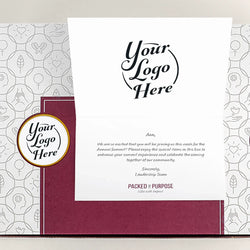
All of these gifts can be personalized with logos and/or other fields. Some take one logo across all your recipients. Others accept different personalized fields for each recipient. Add recipients and select gifts to checkout once for multiple recipients.
1. Add your recipients
Enter recipients one at a time or in a batch. Log in to your store account for your saved addresses or upload with a spreadsheet.
2. Personalize your gifts
Select one or more gifts for each recipient. Select and personalize products for each recipient.
3. Complete your order
Enter a discount code in the order summary if you have one. Checkout to complete your self-service gifting order.